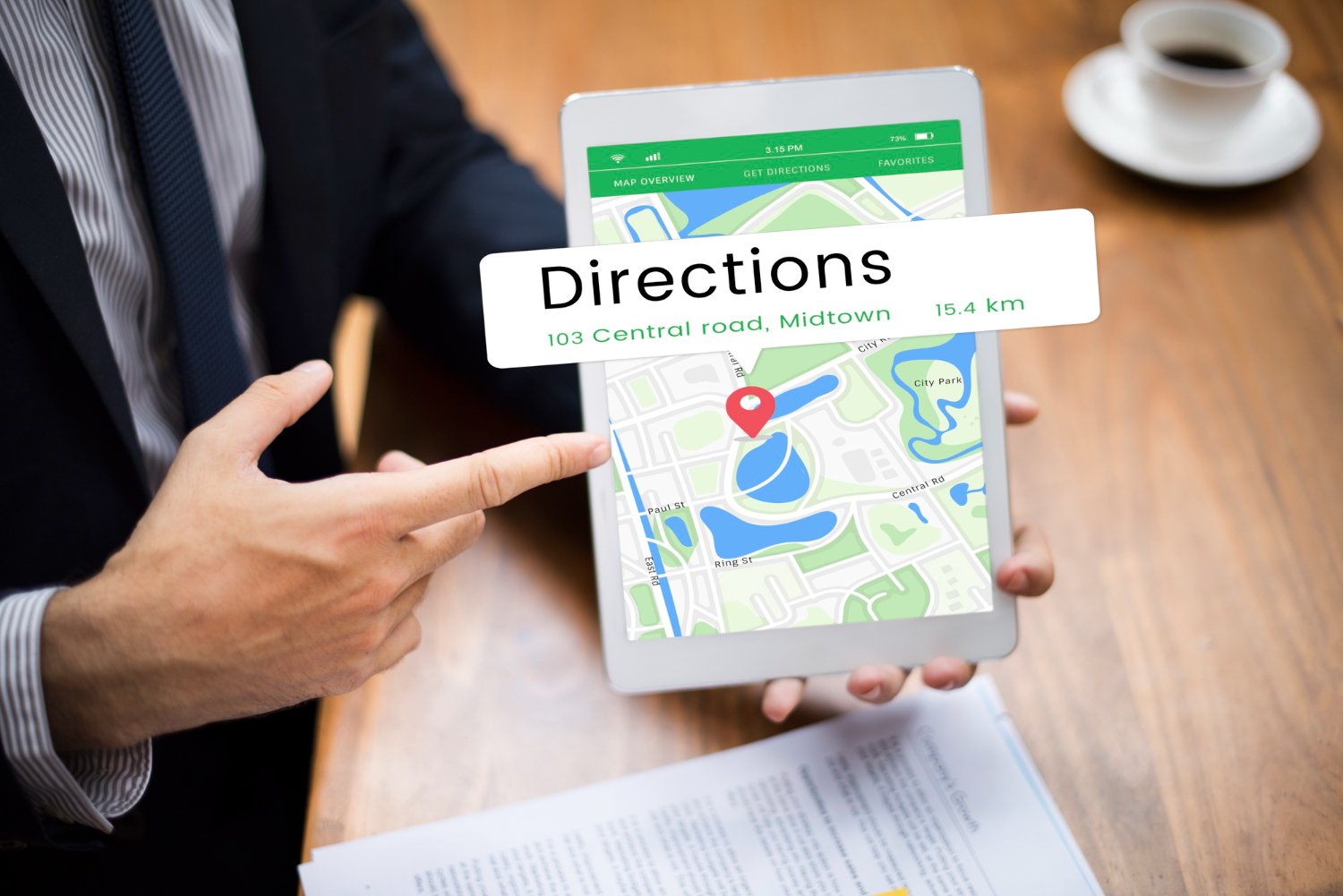
Local SEO success doesn’t depend only on keywords, content, or reviews—your Google Business Profile (GBP) map pin placement can quietly determine how visible your business is in local search results. Many businesses assume ranking issues come from competition or weak optimization, but in reality, the problem may start with how Google interprets your address and places your pin on the map.
When you enter an address into your GBP, Google doesn’t simply drop a marker on the map. It processes the address through its geocoding system, which attempts to match your business location with its internal geographic database. If Google has high confidence in the address, your pin is placed accurately on your building’s rooftop. However, if the system is uncertain, your pin may be shifted away from your actual location—sometimes even to a city center or general area instead of your real office.
This small technical difference can significantly impact local rankings, especially for service-based businesses. Google’s local algorithm heavily relies on proximity signals, meaning your rankings are influenced by where your pin is anchored—not just the text address shown on your profile.
How Google Actually Places Your Map Pin
Google uses a geocoding engine that translates your written address into geographic coordinates. Behind the scenes, it relies on structured data models to determine accuracy and placement. When everything aligns properly, your business is pinned exactly at the building level.
However, if Google cannot confidently match your address to a precise rooftop location, it falls back to broader location markers such as a city centroid. This fallback can significantly distort how your business is positioned in local search results.
Why Map Pin Issues Happen
Map pin misplacement is not a bug—it is a result of low-confidence geocoding. This often happens when:
- The address format is incomplete or inconsistent
- Suite or unit numbers are placed incorrectly
- The building is new or not fully mapped by Google
- The location exists in shared or co-working spaces
Even small formatting errors can prevent Google from accurately identifying your exact location.
The Suite Number Problem
One of the most common issues occurs when businesses include suite numbers in the primary address field. While it may seem logical, Google’s system treats suite numbers as secondary identifiers, not street-level location data. This can confuse the geocoding process and reduce confidence in the address match.
As a result, instead of anchoring your pin correctly, Google may default to a broader or incorrect location, impacting your visibility in nearby searches.
Proximity vs. Real Location in Rankings
Local rankings are not always based on where your business actually is—but where Google believes your business is located based on the map pin.
For example, if your pin is incorrectly placed in a city center instead of your office, your rankings will reflect that incorrect location. This means you may appear for searches in areas you don’t actually serve, while losing visibility where you should rank strongest.
Why This Matters for Service Area Businesses (SABs)
For service-area businesses, the issue becomes even more complex. When the “hide address” option is enabled, users cannot verify where Google has anchored the pin. This makes it difficult to detect mapping errors that may be hurting rankings.
Shared office spaces and co-working locations can further increase the risk of misplacement, as these buildings often contain multiple businesses with dense address data that is harder for Google to interpret accurately.
The Hidden Impact on Local SEO Performance
Many businesses unknowingly operate with incorrect pin placement for months or even years. Because the pin location is not always visible in the dashboard, ranking drops are often misdiagnosed as competition or algorithm changes. In reality, the root cause may be a geocoding issue that affects how Google calculates proximity for your business.
Best Practices to Fix and Prevent Map Pin Issues
To ensure accurate map pin placement and stronger local rankings, follow these best practices:
- Keep Address Line 1 clean: only include street number and street name
- Move suite/unit details to Address Line 2
- Verify your address directly in Google Maps for accuracy
- Avoid frequent unnecessary edits after verification
- Ensure your building is properly recognized in Google Maps
If corrections are needed, be prepared for re-verification, as Google often resets validation when address changes affect geocoding confidence.
Your local rankings depend heavily on how confidently Google can interpret and place your business on the map. Even if your website, content, and reviews are optimized, a poorly anchored map pin can silently limit your visibility.
As a NYC-based local search optimization agency, our team at SEO Guru NYC has observed that even small address formatting issues can shift a business’s perceived location and directly impact local rankings. When the map pin is not accurately anchored, Google may calculate proximity from the wrong point, reducing visibility in high-intent searches. This is why we consistently emphasize the importance of clean, structured address data as part of a strong local SEO foundation. By aligning technical accuracy with strategic optimization, we help businesses regain lost visibility and strengthen their presence in competitive local markets—reach out to us to refine your local search performance and improve your map-based rankings.